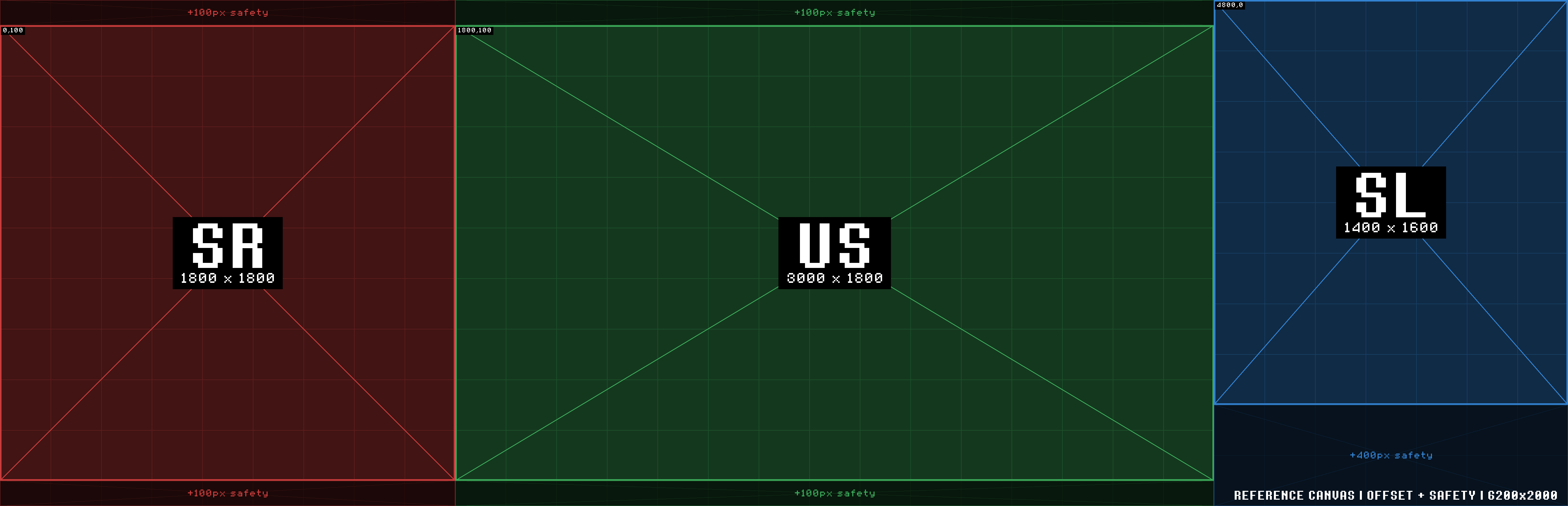
01 Reference Canvas
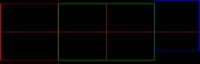
All three walls presented edge-to-edge in canvas order (SR → US → SL), 6200×2000px. Five views of the same canvas.
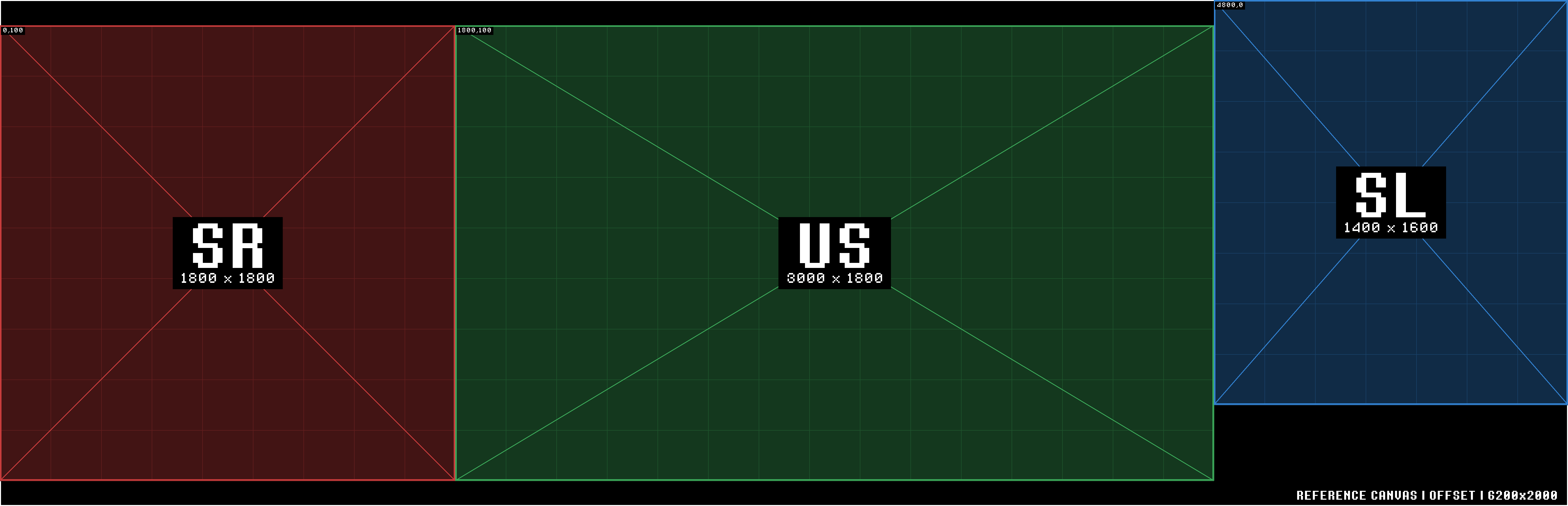
Reference Canvas and Delivery Map for the three guest band LED walls on Stage 2 at Studio 8H.
SR and US are both 1800px tall, vertically aligned. SL is only 1600px tall and is physically offset from SR and US on stage, by approximately 100px vertically.
The ~100px offset in the Reference Canvas's 2000px-tall canvas corrects for that physical offset, positioning SL higher than SR/US. Build SL's content against that 100px so it lines up with SR and US once it's on the physical screens. Please provide additional pixels for safety during in-situ adjustment.
All three walls presented edge-to-edge in canvas order (SR → US → SL), 6200×2000px. Five views of the same canvas.
All three walls share the same PL2.5 Pro V10 tile — a 200×200px, 500×500mm module — so pixel pitch and physical scale are identical across walls. Only tile count differs.
| Screen | Deliverable | Tile | Layout | Resolution | Physical Size |
|---|---|---|---|---|---|
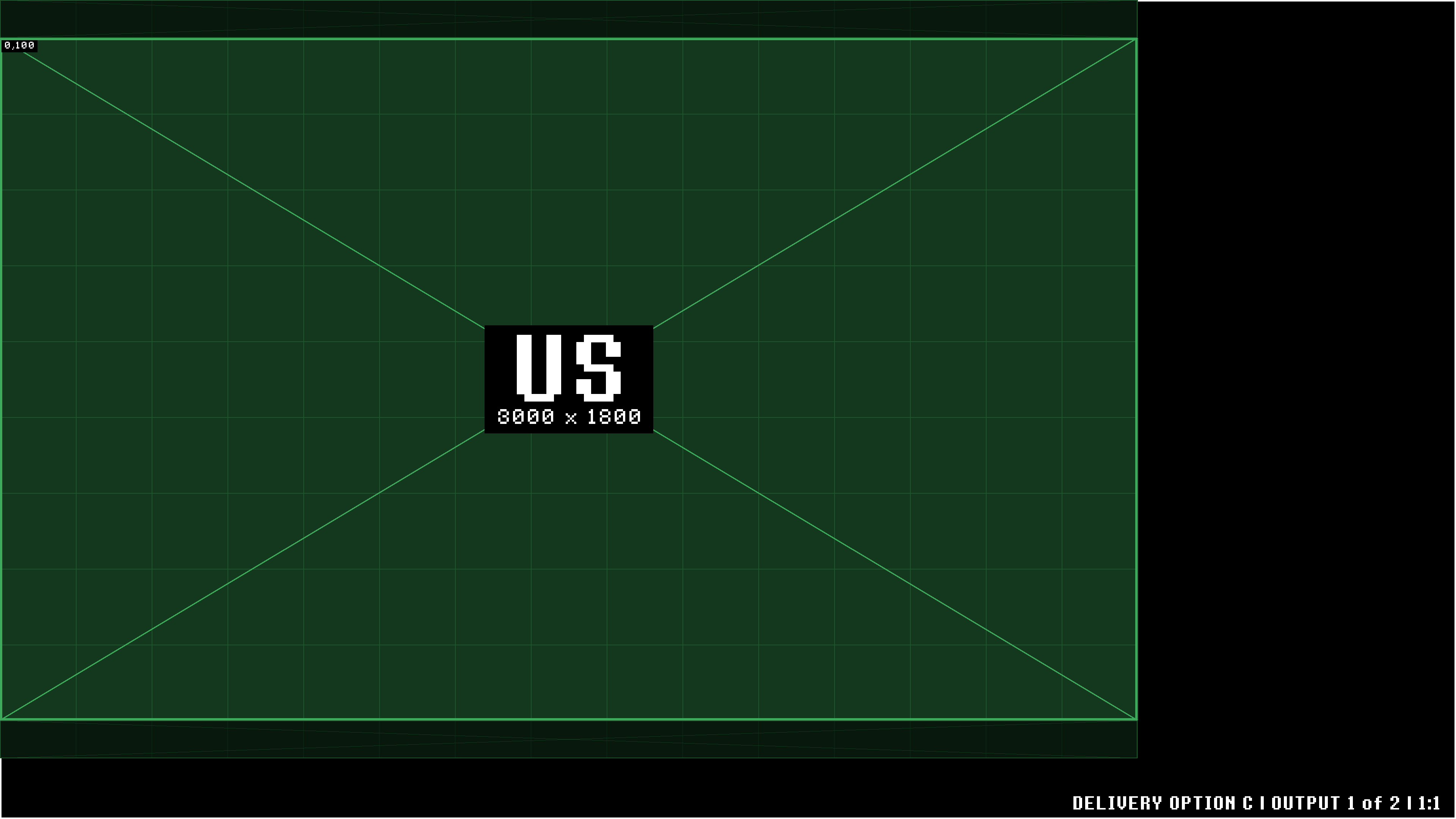
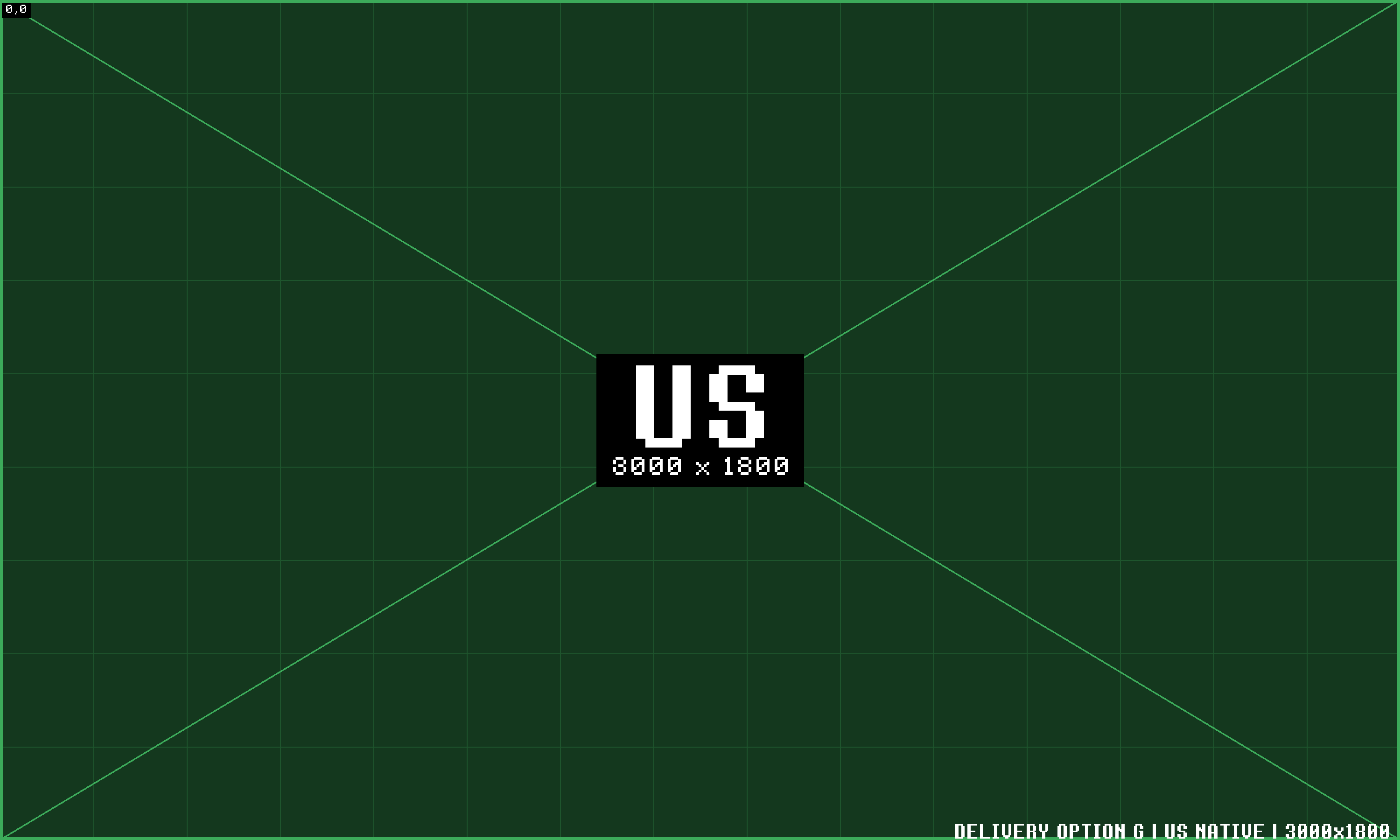
| S01 | US Wall | PL2.5 Pro V10 | 15 × 9 | 3000 × 1800 px | 7.5m × 4.5m (24'7" × 14'9") |
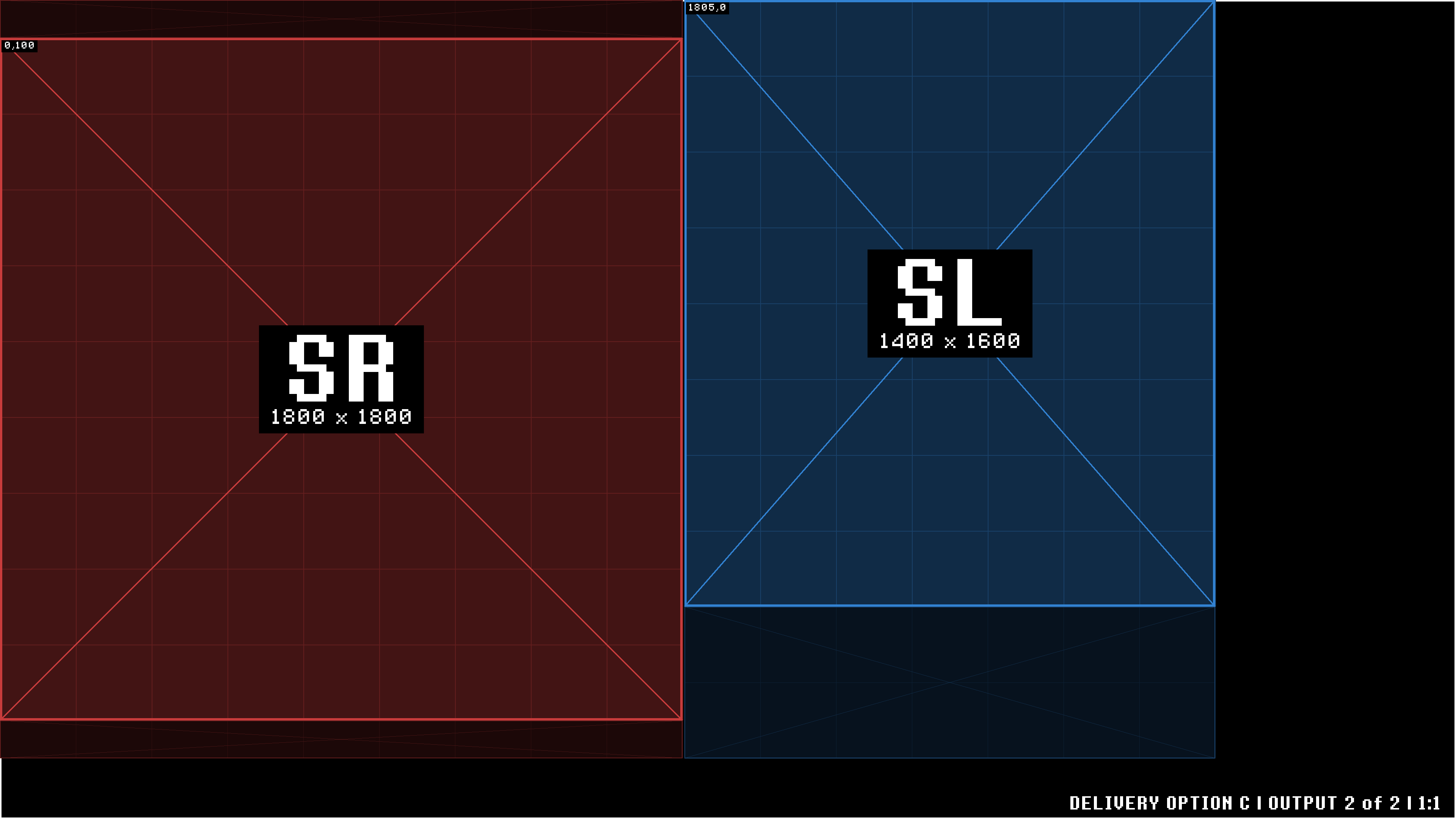
| S02 | SR Wall | PL2.5 Pro V10 | 9 × 9 | 1800 × 1800 px | 4.5m × 4.5m (14'9" × 14'9") |
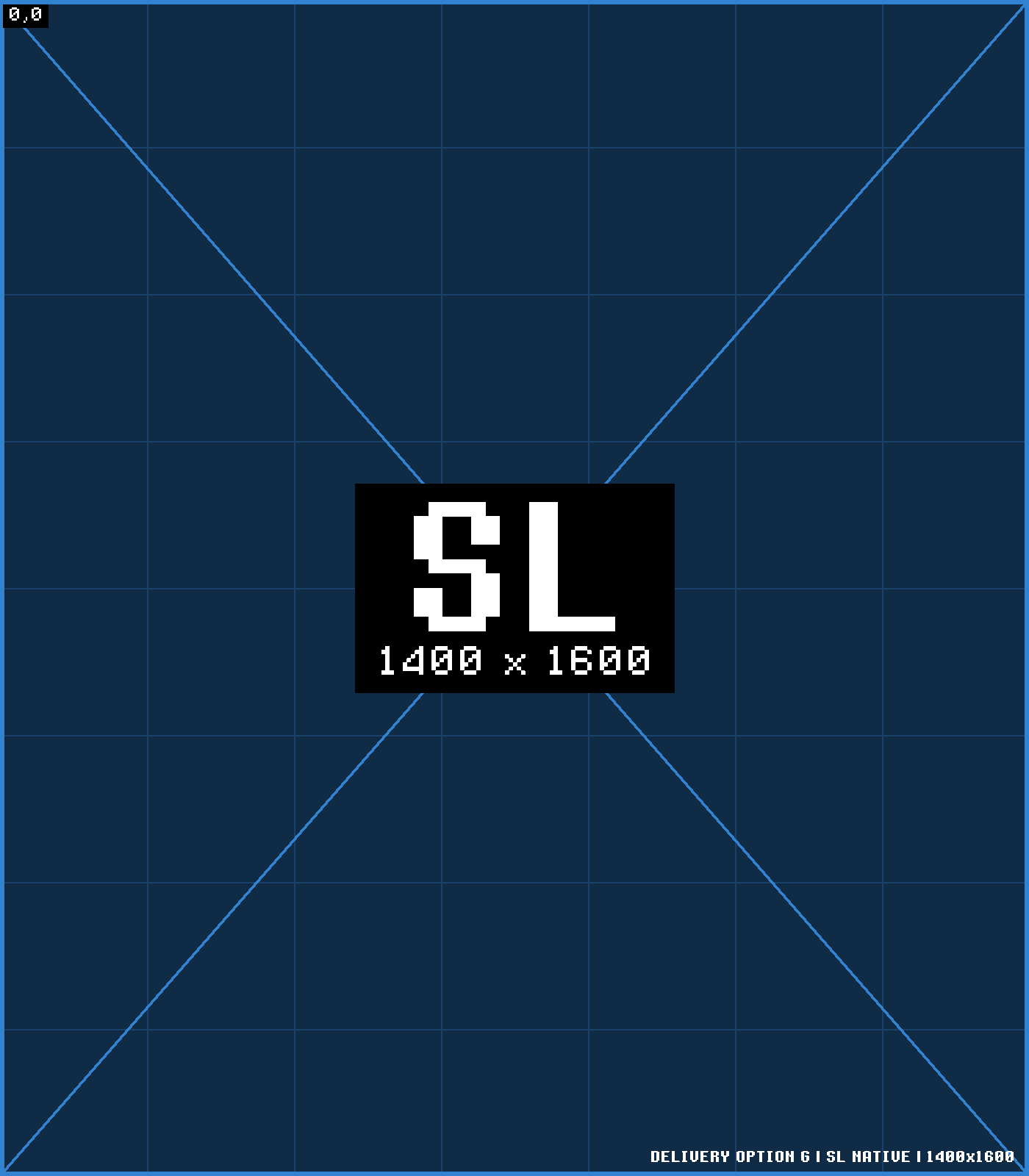
| S03 | SL Wall | PL2.5 Pro V10 | 7 × 8 | 1400 × 1600 px | 3.5m × 4.0m (11'6" × 13'1") |
The SL wall is physically offset. And the SL canvas sits shifted by ~100px. Anything meant to read continuously across the SR → US → SL seam — a matched background, a graphic or camera move that crosses walls — should be built using this offset. Please provide additional pixels for in-situ adjustment.
For reference — at 2.5mm/px (PL2.5 pixel pitch), 100px works out to roughly 0.25m (≈10") of physical offset.
Three ways to handle the offset when building content, depending on what that content needs to do.
For content that doesn't need to line up across walls, just build each wall at its native resolution (1800×1800 / 3000×1800 / 1400×1600) — the offset doesn't matter here.
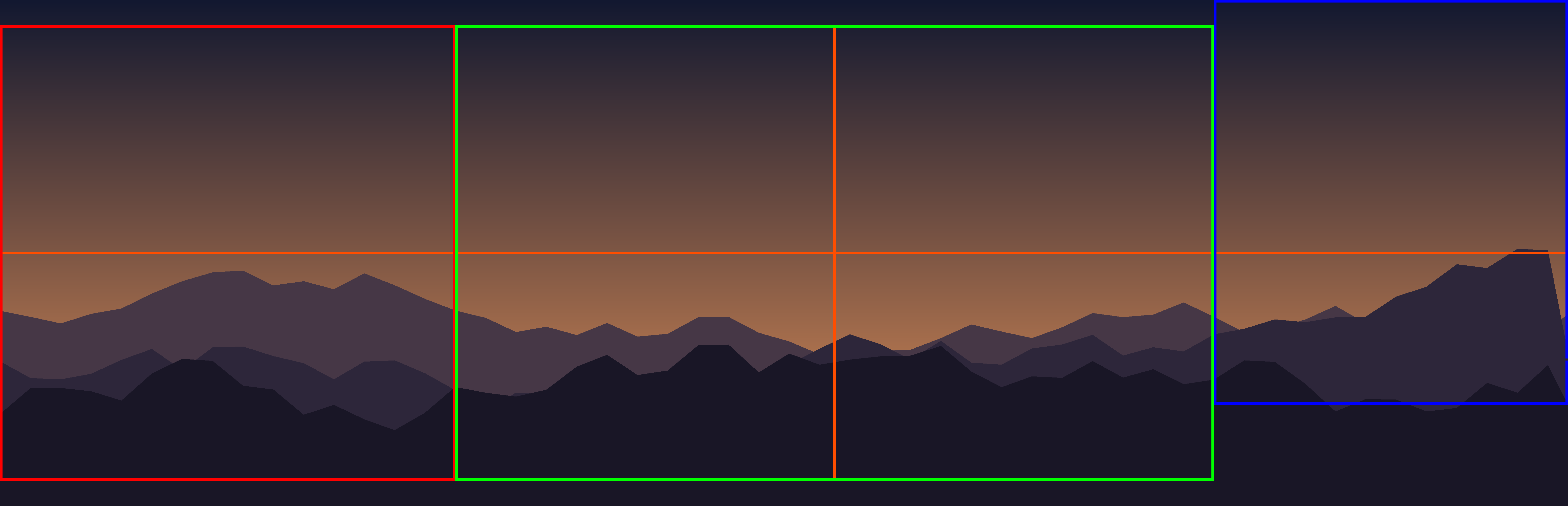
For anything that needs to read continuously across the seam, build to the full 6200×2000 Reference Canvas. Rendering extra leaves more room to tweak alignment later without a re-export — specifically, room to adjust SL's horizon line on-site if that turns out to be needed.
The Safety option's Reference Canvas already carries some buffer. Rendering extra above the top leaves more room to lower the horizon line later depending on your particular treatment or effect.
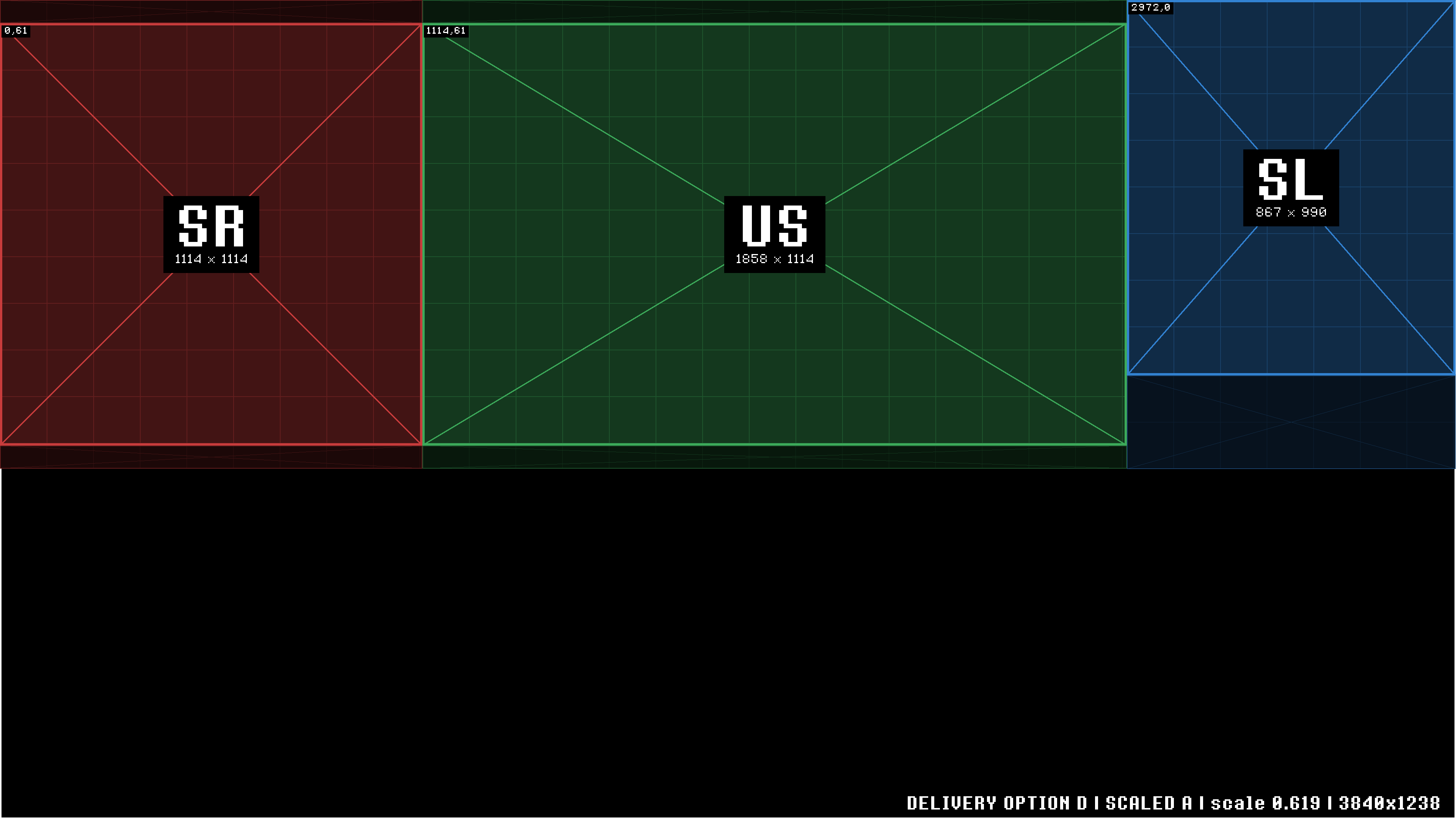
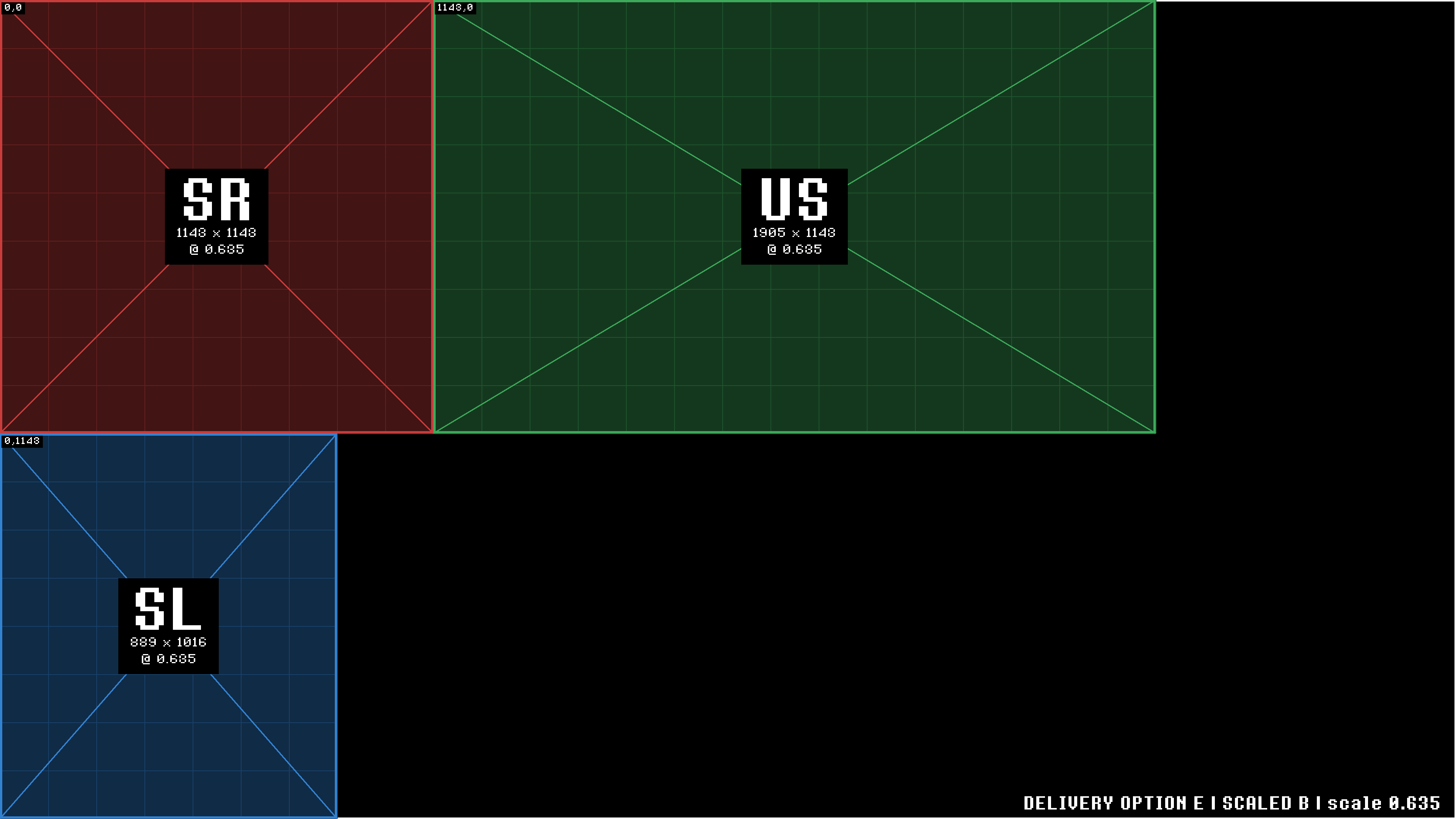
Five delivery paths, for the three house walls.
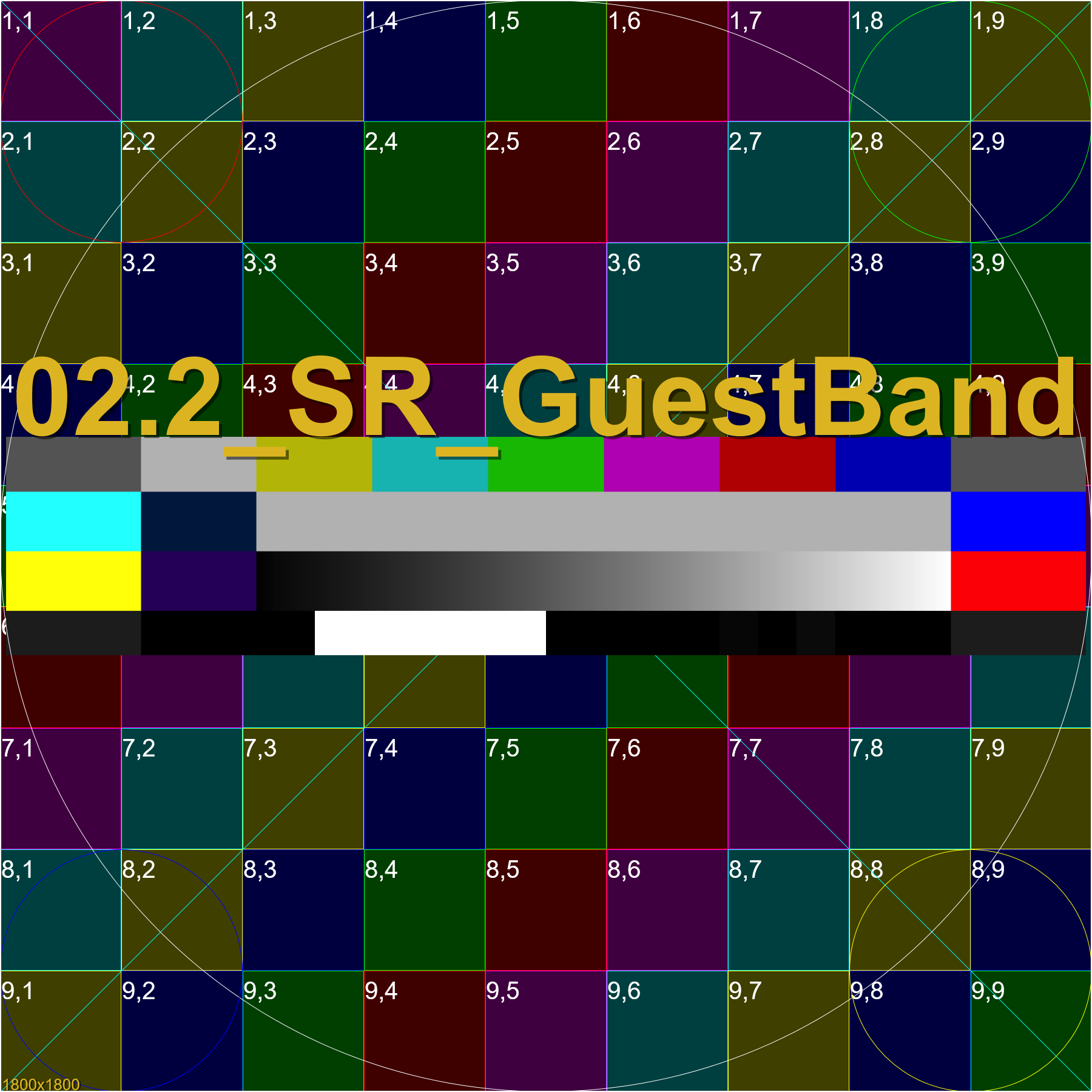 SR Wall 1800×1800 png
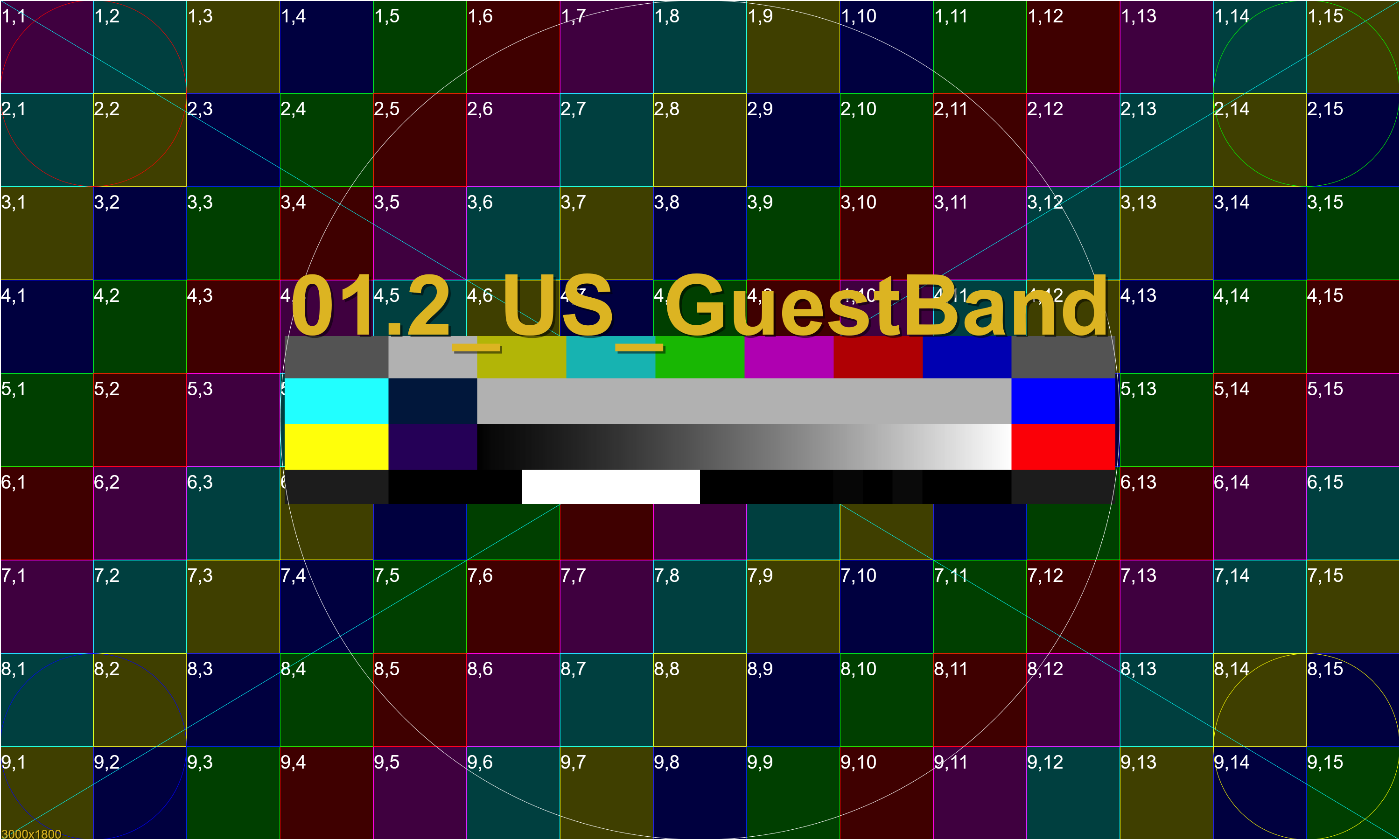 US Wall 3000×1800 png
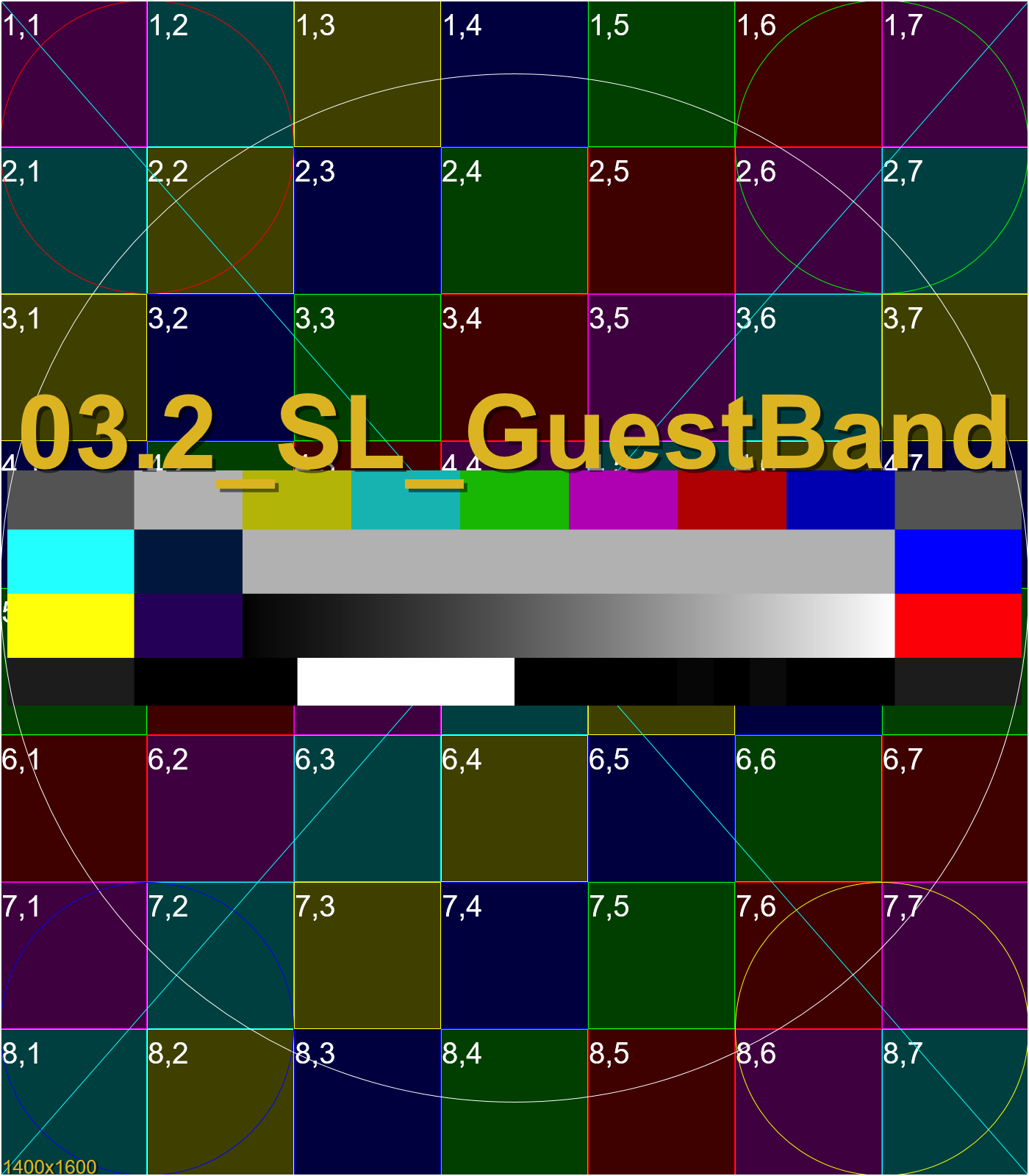 SL Wall 1400×1600 png
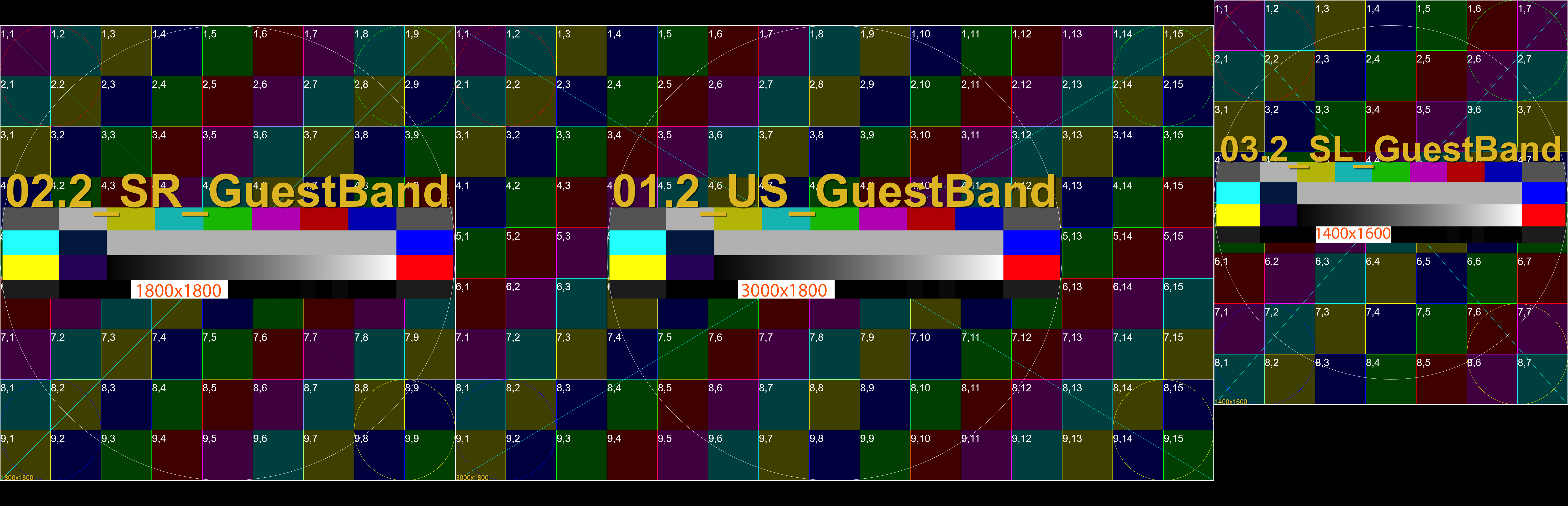 Full Map 6200×2000 png, v05
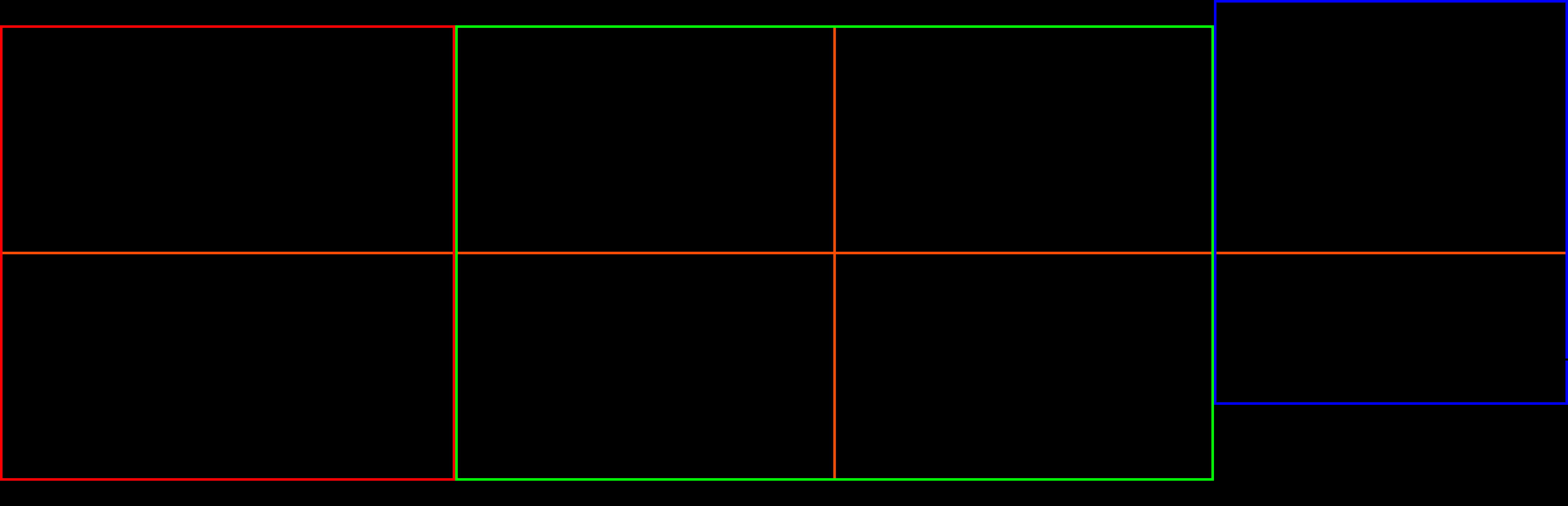 Full Outlines 6200×2000 png, v05
 Photoshop Source .psd, v05
Two different version tracks: 4Wall's hardware/wiring spec vs. this studio's wide delivery map (pixel positioning) — they don't revise together.
Rev v3.0 (10/27/26) adds the Output Maps section (A–D UHD packing options), renamed Delivery Maps in v3.2.
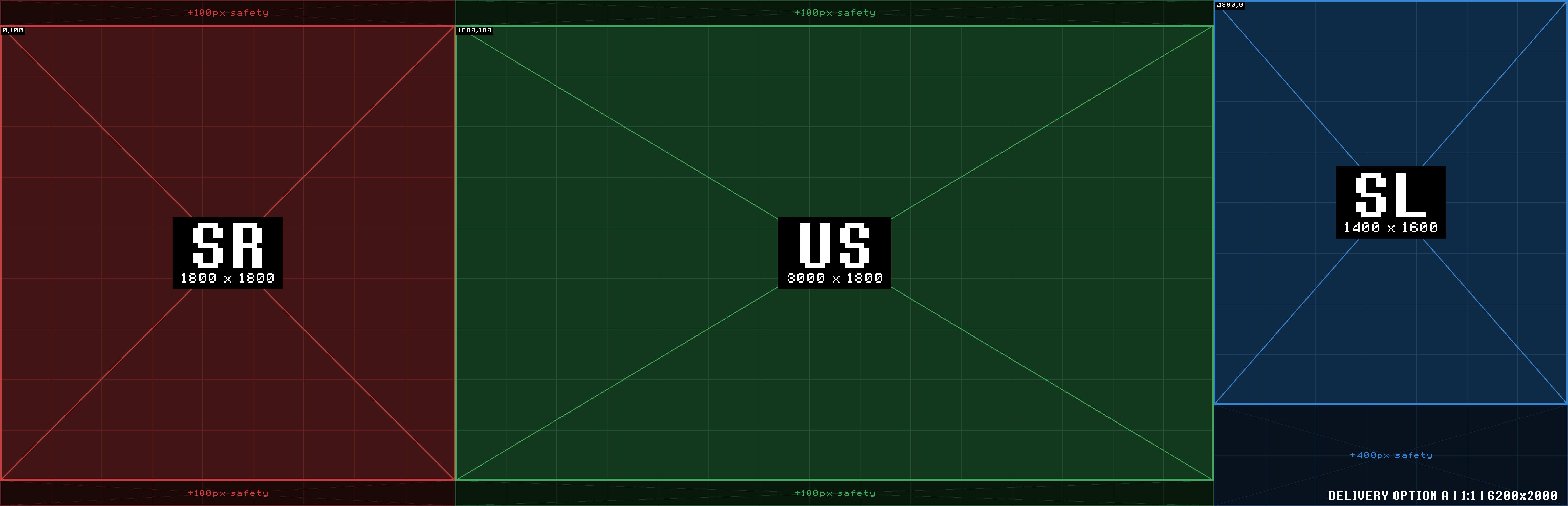
Rev v3.1 (11/08/26) drops the UHD-height padding on Option A, matching it to the real wide map's own canvas (6200×2000) instead of 6200×2160.
Rev v3.2 (11/08/26) renames Output Maps → Delivery Maps and labels Canvas Offset as the Creation Template, to separate reference geometry (keep visible) from delivery requirements (not a hard pixel match).
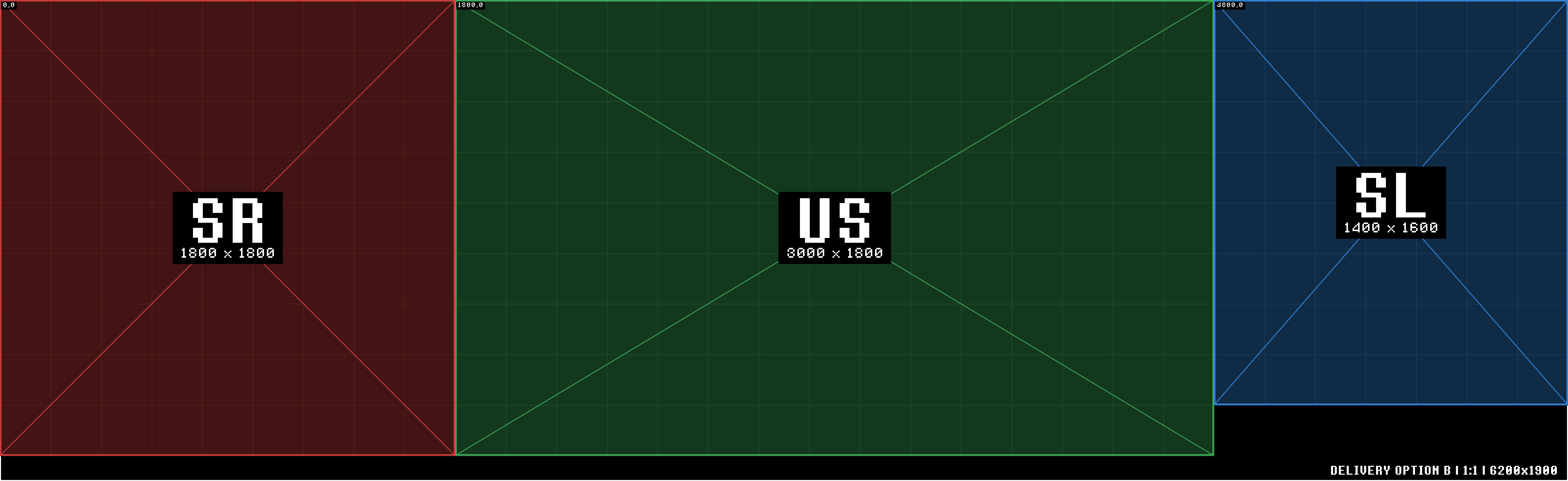
Rev v3.3 (11/08/26) rebuilds the Delivery Maps as five zero-offset options (A–E), each carrying safety that mirrors the real comp's own margins; simplifies Canvas Offset's copy; updates Build Approach's B/C copy; moves this changelog into this toggle.